Kollmorgen S700 Servo Drive Fault Codes and Troubleshooting Guide
24 April, 2026 | Kollmorgen S700 fault codes, Kollmorgen S700 troubleshooting, S700 servo drive repair, Kollmorgen S700 servo drive, S700 drive faults, Kollmorgen fault code F01, Kollmorgen fault code F02, Kollmorgen fault code F03, Kollmorgen fault code F04, Kollmorgen fault code F07, Kollmorgen fault code F14, S700 output stage fault, S700 internal voltages fault, S700 DC bus overvoltage, Kollmorgen servo drive repair
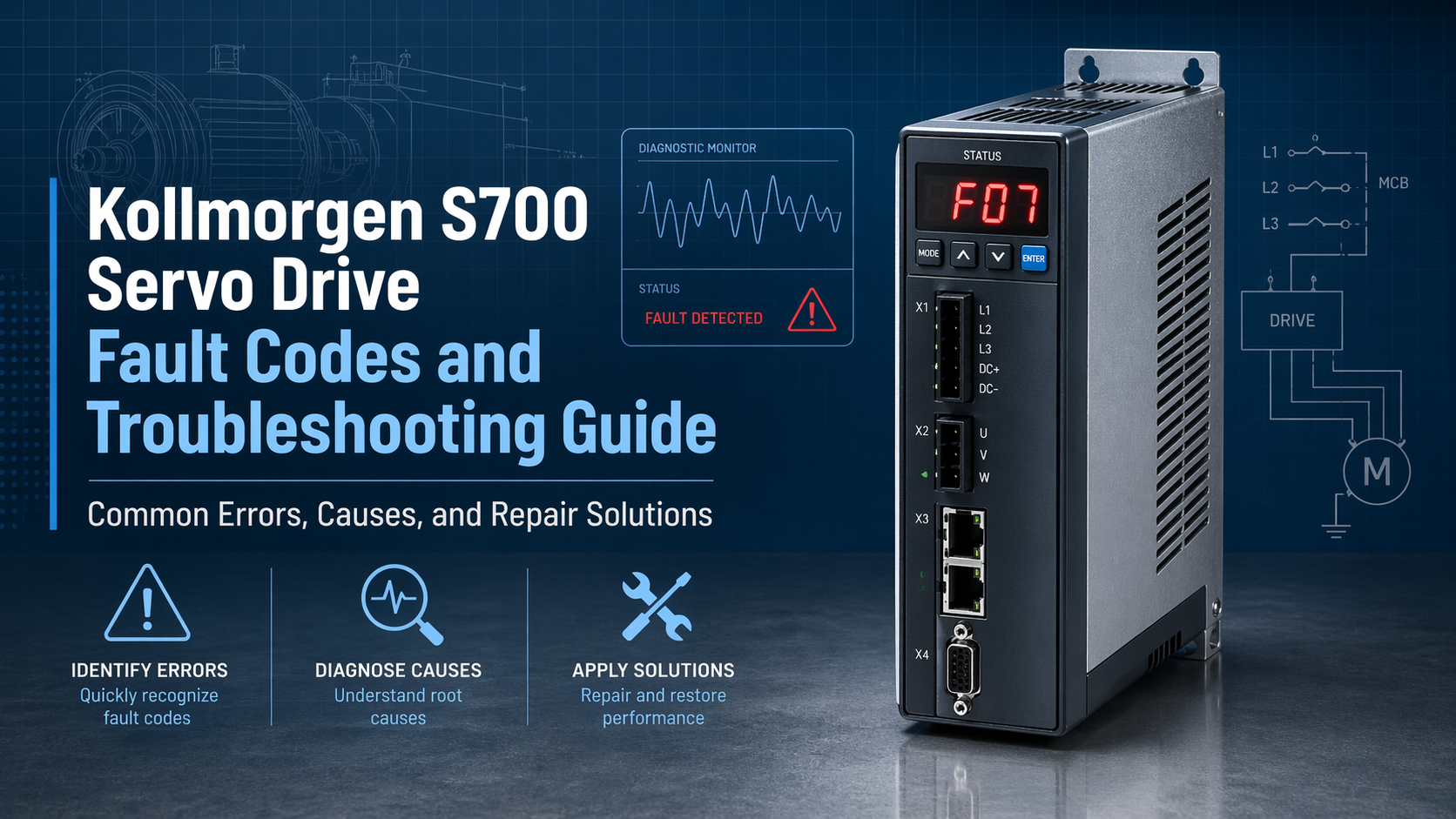
To receive a quote for your Kollmorgen S700 servo drive, contact Automation Factory through the quote form on this page or call 1-888-551-3082. International customers can call 1-919-443-0207.
Kollmorgen S700 servo drives are high-performance drives used in demanding industrial automation systems. They are designed for precision motion control, but like any advanced servo drive, they can experience faults that stop production and require quick attention. For engineers, maintenance personnel, and plant operators, understanding common Kollmorgen S700 fault codes can help reduce downtime and make repair or replacement decisions faster.
This guide explains common S700 drive fault codes, likely causes, and recommended corrective actions. It also covers when a fault may point to a deeper hardware issue and when professional servo drive repair or replacement may be the better path. Automation Factory is not an authorized Kollmorgen distributor, but it can assist with repair, refurbishment, and replacement options for legacy automation hardware.
Understanding Kollmorgen S700 Fault Codes
The S700 drive monitors its operating condition continuously. When a problem occurs, the front display shows either a fault code or a warning code. Fault codes are usually identified with an 'F' prefix, while warnings are identified with an 'n' prefix.
An F-code fault indicates a serious condition that stops drive operation until the issue is corrected and the fault is cleared. These are the codes most likely to interrupt production and require immediate review.
An n-code warning indicates a condition that has not yet stopped the drive but may become a fault if ignored. For example, an overload warning may eventually lead to an overheating fault if the load profile, cooling, or duty cycle is not corrected.
This guide focuses on the common F-code faults technicians are most likely to encounter on Kollmorgen S700 servo drives.
Common Kollmorgen S700 Faults, Causes, and Solutions
Fault Code | Fault Name | Typical Causes | Recommended Solutions |
F01 | Heat Sink Overtemperature | Poor ventilation, high cabinet temperature, blocked airflow, or fan failure. | Improve enclosure cooling, clean fans and vents, and verify airflow around the drive. |
F02 | DC Bus Overvoltage | Excess regenerative energy, aggressive deceleration, braking resistor issue, or input voltage spikes. | Check the braking resistor and wiring, verify resistor sizing, and adjust deceleration ramps if needed. |
F03 | Following Error | Motor cannot follow the commanded position due to binding, overload, tuning issues, or motion profile problems. | Inspect the mechanics for jams or misalignment, reduce load if necessary, and review servo tuning. |
F04 | Feedback Fault | Encoder or resolver cable issue, loose connector, damaged feedback device, or incorrect feedback settings. | Reseat feedback connectors, inspect cables, and verify the feedback configuration in the drive. |
F05 | DC Bus Undervoltage | Low supply voltage, mains dip, missing phase, faulty contactor, or power supply interruption. | Check incoming AC power, confirm all phases are present, and inspect fuses, wiring, and contactors. |
F06 | Motor Overtemperature | Excessive load, poor motor cooling, long duty cycle, or faulty temperature sensor. | Let the motor cool, reduce load or duty cycle, and improve motor cooling where possible. |
F07 | Internal Voltages Fault | Internal drive power supply issue or failing electronic components. | Power down and restart safely; if the fault returns, the drive may require professional repair. |
F08 | Overspeed | Motor exceeded speed limits due to tuning error, command issue, or sudden load change. | Verify speed limits, review tuning, and inspect the machine for unexpected load changes. |
F09 | EEPROM Checksum Error | Parameter memory corruption, firmware issue, or power interruption during parameter handling. | Reload drive parameters from backup and review firmware compatibility if the fault repeats. |
F12 | Motor Phase Missing | Loose motor lead, damaged cable, open phase, blown fuse, or wiring fault. | Inspect motor power wiring, connectors, and phase continuity. |
F13 | Ambient Overtemperature | Drive environment is too hot or cabinet cooling is insufficient. | Improve cabinet ventilation and confirm that ambient temperature stays within the specified range. |
F14 | Output Stage Fault | Shorted motor cable, damaged output transistor, insulation failure, or internal power stage damage. | Check motor cables for shorts or insulation breakdown; persistent faults may require drive repair. |
F15 | Drive Overload / I2t Max | Drive or motor has exceeded its current capacity for too long. | Reduce peak load, lower duty cycle, adjust the motion profile, or evaluate whether the drive is undersized. |
F16 | Mains Phase Fault | One or more AC input phases are missing or unbalanced. | Verify all three input phases, inspect fuses, and check incoming power connections. |
F23 | CAN-Bus Off | Severe CANopen communication fault, network wiring issue, termination problem, or node conflict. | Check CAN wiring, termination, bit rate, and node addressing. |
F27 | STO Input Error | Safe Torque Off wiring issue, incorrect enable sequence, or improper STO input state. | Confirm STO wiring and verify that enable and STO signals follow the required sequence. |
F30 | Emergency Stop Timeout | Emergency stop braking did not complete within the expected time, often due to high inertia. | Increase the stop ramp time, adjust timeout parameters, and review load inertia. |
F32 | Internal System Error | Firmware, control processing, or internal system issue. | Cycle power safely; if the issue returns, reduce command complexity or consider repair evaluation. |
When to Repair or Replace an S700 Drive
Many S700 faults can be resolved by correcting external issues such as wiring, cooling, drive parameters, mechanical loading, or feedback connections. However, some faults may indicate that the drive itself is beginning to fail.
Faults such as F07 Internal Voltages Fault or F14 Output Stage Fault are especially important. An F07 fault may point to an internal power supply problem within the drive, while an F14 fault can indicate a damaged output stage or failed power device. If these faults continue after wiring, motor, and external components have been checked, the drive may need professional repair or replacement.
Repeated faults are another warning sign. If the same code returns after resets and basic corrective steps, continuing to troubleshoot may only extend downtime. In those cases, sending the drive in for repair or sourcing a replacement unit is often the more practical option.
The S70302-NANANA is part of Kollmorgen's S700 Servo Drive Series. This model is associated with a rated line power for S1 operation of 2.2 kVA and a peak output current of 9 A RMS, making it a useful example of the type of S700 unit commonly found in industrial motion systems.
For S700 repair, replacement, or refurbishment requests, use the quote form on this page or call Automation Factory at 1-888-551-3082. International customers can call 1-919-443-0207.
Automation Factory Support for Kollmorgen S700 Servo Drive Repair
When a Kollmorgen S700 drive needs professional attention, Automation Factory can help support repair, refurbishment, or replacement needs. Automation Factory is not an authorized Kollmorgen distributor or technical support provider, but it works with industrial automation hardware and can assist customers who need options for legacy servo drive equipment.
For facilities running S700 drives, repair can often be more cost-effective than sourcing a brand-new replacement, especially when the equipment is older, obsolete, or difficult to replace through standard channels. A drive such as the S70302-NANANA may still be a valuable part of a machine's motion system, and repairing or replacing it quickly can prevent a small drive fault from becoming a larger production issue.
Automation Factory can help customers evaluate whether an S700 drive should be repaired, refurbished, or replaced. If a fault is tied to internal drive hardware, a professional repair path can reduce downtime and help preserve the life of the existing system.
To request help with a Kollmorgen S700 servo drive, use the quote form on this page or call Automation Factory at 1-888-551-3082. International customers can call 1-919-443-0207. Whether you are dealing with an internal voltage fault, output stage fault, feedback problem, overheating issue, or communication error, Automation Factory can help you move from fault diagnosis to a practical repair or replacement solution.
Request a Quote
Contact Information
North Carolina Office
Automation Factory1620 Old Apex Road
Cary, NC 27513
USA
Phone
Toll Free: 1-888-551-3082
International: 1-919-443-0207


